
Voice Crush
Removes background noise and enhances voice clarity in audio recordings using advanced AI.
Are you the owner?
Claim this tool to publish updates, news and respond to users.
Sign in to claim ownership
Sign InDescription
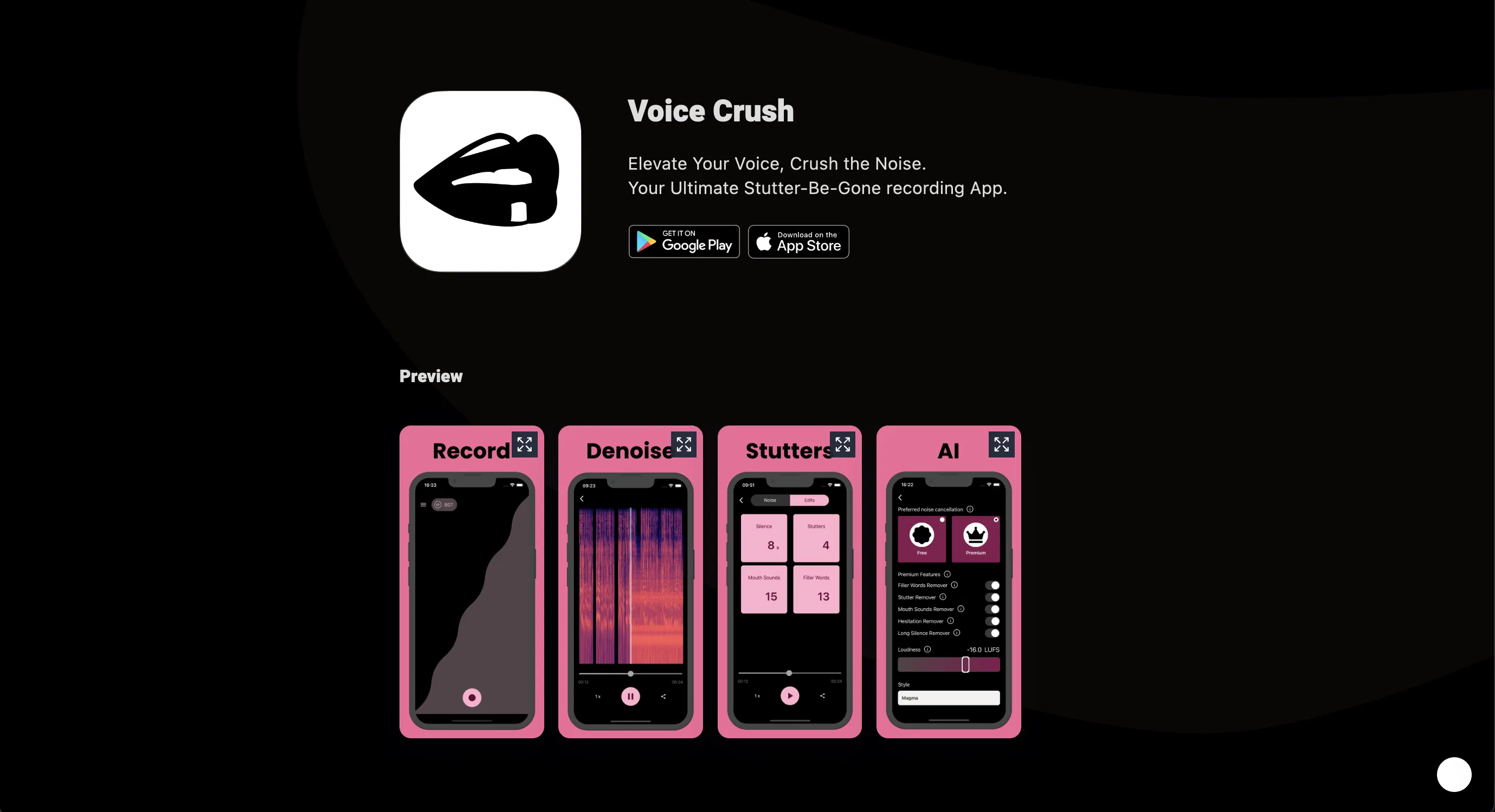
Voice Crush is an AI-powered audio processing tool designed to tackle the pervasive problem of poor recording quality. Created by Studio9, its core value lies in delivering studio-grade vocal clarity by intelligently separating the human voice from any disruptive ambient noise, ensuring professional results without the need for expensive equipment or soundproof environments. It empowers anyone to create crisp, clear audio content directly from their current setup, transforming subpar recordings into polished assets.
Key features include real-time background noise suppression that handles common disturbances like keyboard clicks, fan hum, and street sounds. The AI also performs voice enhancement, boosting vocal presence and intelligibility. It supports batch processing for multiple files and offers simple drag-and-drop functionality for ease of use. The tool provides adjustable denoising strength to give users control over the final output, and it maintains the natural tone and emotion of the original voice throughout the cleaning process.
What sets Voice Crush apart is its specialized focus on voice isolation rather than general audio repair, using a state-of-the-art AI model trained specifically on human speech patterns. This allows it to perform effectively in challenging acoustic environments where other tools might fail. It operates directly in the web browser, requiring no software downloads, and processes files locally on the user's device for privacy and speed. While a standalone web app, its output integrates seamlessly into any audio or video editing workflow, podcasting platform, or communication tool.
Ideal for podcasters, remote workers, content creators, educators, and journalists who frequently record in imperfect conditions. Specific use cases include cleaning up interview recordings conducted in cafes, enhancing voiceovers recorded in home offices, preparing clear audio for online courses, and improving the sound quality of meeting recordings or client calls to ensure every word is heard perfectly.